

Desktop Broker an Australian-owned trading platform that’s designed for advisers, giving you:
- Peace of mind – established in 2007, we’re part of ASX- listed Bell Financial Group (ASX:BFG) and we service 3700 advisers
- Better insights – you get exclusive access to Bell Potter research and daily market commentary
- Better adviser support – tailored solutions to grow your business from a team who understand adviser businesses
- Flexible brokerage – a package that works for your individual business and client needs
- Easy to do business – integration with a range of upstream and downstream providers
And loads of interesting features
Features that streamline the way you work
Designed for financial planners and brokers by a team that knows the business.
- Real broker research
- Multi client trading
- Mobile access and trading
- Data feeds
- Client access - view or trade
- Flexible brokerage
- Free conditional orders
- Direct margin lending
Real broker research
When you trade with Desktop Broker, we give you access to the latest research from the Bell Financial Group.
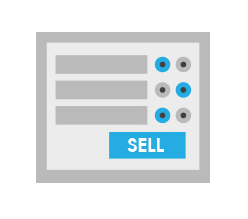
Multi client trading
Action multiple trades in or out of a stock from one or all of your client accounts with just one order pad.
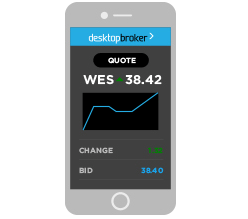
Mobile access and trading
Make trades on-the-go using your Smartphone.

Data feeds
Desktop Broker can export transactional and historical data to a variety of portfolio software and SMSF platforms.
Client access – view or trade
As an added service to your clients, you can choose to give them access to the Desktop Broker client site.
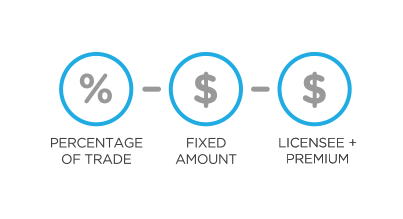
Flexible brokerage
Customise brokerage for individual clients or individual trades. Set brokerage as a percentage, as a fixed dollar amount or on a cost-plus basis (our brokerage plus your fixed commission).

Free conditional orders
Create pre-determined orders for equities, interest rate securities and warrants which will be placed onto the market once your trigger conditions are met.

Direct margin lending
Gear a share portfolio by trading directly from a Direct Margin Lending account

DIRECT MARGIN LENDING
Administered by Bell Potter Capital
Margin lending is a great way for you to increase the size and diversity of your clients’ portfolio.

PLATINUM LIVE STREAMING
$27.50 per month
When every second counts, Live Streaming means there is no need to refresh pages and lose precious seconds for your latest price update. And all this in the same website.

INTEGRATED IRESS VIEWPOINT
from $79 per month
Iress ViewPoint gives you a constant stream of live market data. Quotes, market depth and course of trades are dynamically updated as they happen.
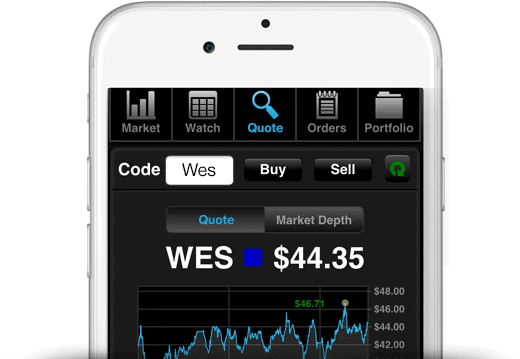
What you can trade
You can trade all ASX listed securities at your desk or on-the-go.
- ASX listed equities & company options
- ETFs
- Warrants
- Interest rate securities
- Options
- Managed funds via mFund
- XTBs (Exchange Traded Bond units)
- IPOs
Questions most frequently asked by advisers
How does an adviser sign up to Desktop Broker?
- To sign up for an adviser login, we must first put in place an Execution & Clearing Agreement with your licensee. Please email your licensee name and contact person to [email protected] and we will make contact with them.
- Once the agreement is in place, we will email a new adviser form for you to complete.
- Please return via email along with a scanned copy of your current driver license.
How do I open a trading account for my client?
- Complete the Desktop Broker Online Account Application form. This can be accessed once you’ve logged in, under ‘Clients‘ from the top menu, then ‘New client account’.
- Once all client information is entered online, you will be prompted to print, obtain client signatures and relevant supporting documentation.
- Email the documents to [email protected].
We aim to set up new client accounts within 48 hours of receiving the completed application form and current ID. Once account setup is completed, you will receive an email notification to inform you that you can start trading.
Opening a client account is free of charge, you only pay when you trade with us.
Opening multiple client accounts
We can assist in pre-populating application forms by way of a mail merge, all you need to do is obtain client signatures and supporting documentation.
Contact [email protected] to find out more about bulk client uploads.
How do I set up a new licensee with Desktop Broker?
To use the Desktop Broker platform you must be an authorised representative of a current AFSL.
To find out how to setup your licensee, please send an email to our customer service team or call us on 1300 726 177 and we can talk you through the requirements.
Alternatively, we can arrange for a Client Account Manager to sit down with you to discuss/demonstrate our website.
How do I get a new Password or PIN and/or unlock my account?
New password
You can reset your Password on the ‘Log in’ box by clicking on ‘reset password’. Enter your email address, click the ‘Reset’ button and we will email you a password link.
If your account has been locked, please call us on 1300 726 177 and we will assist with unlocking your account.
New PIN
If you need to reset your trading PIN please contact us on 1300 726 177.
How do I change my clients' details?
To change your client’s residential, postal or CHESS address: login to your account, visit the ‘Forms‘ page and complete the ‘Change of Client Details’ form.
Once the form has been signed by the client, scan and email to [email protected].
All changes in registration details require a signed form from the client.
To change phone numbers or email addresses for your client, simply email the request to [email protected].
How do I access the Desktop Broker mobile application?
The Desktop Broker mobile app is web-based so there is nothing to download and install.
- Open your web browser and visit www.desktopbroker.com.au
- Press the Launch mobile application button
- You’re now ready to enter your username and password – the same ones you use on the Desktop Broker website
- For added convenience, you can add the Desktop Broker app to your mobile home screen for fast access on the go
- The Desktop Broker app is available for both iPhone and Android
How do I invest in managed funds through the mFund service?
Investing in managed funds with mFund is similar to investing in equities. Simply place an order online through our Managed Funds order pad. No need to provide any additional paperwork from your clients. Funds will settle through their existing nominated bank account.
To invest in managed funds through mFund, follow these three steps:
- Research mFund products from the Managed Funds page, read the fund profile and PDS
- Choose the ‘Managed Funds’ option on the Order Pad and place your order online
- New mFund units are transferred to CHESS holdings and can be seen in the respective client’s portfolio
To sell managed funds units, go to the Managed Funds Order Pad, choose the ‘Sell’ option and enter the quantity you plan to sell.
Access to mFunds must be signed off by your licensee, to find out more please contact us at [email protected]
Our Team
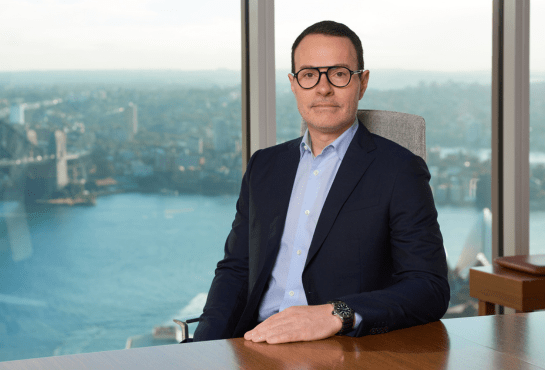
Lee Muco
CEO
Lee Muco is the Chief Executive Officer of Third Part Platform Pty Ltd. Lee has over 20 years' experience in the delivery of market leading trading and investing solutions. He held several senior positions with Sanford Securities and was a Director and General Manager of Australian Investment Exchange Ltd.
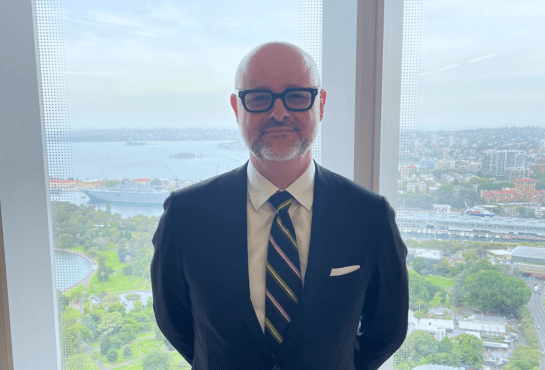
Craig Saunders
Group Head of Sales
Craig Saunders is the Group Head of Sales for Bell Financial Group. Craig has over 30 years' experience in financial markets, principally on the product development and sales sides of various businesses. Craig has worked at Ord Minnett, Leveraged Equities, Adelaide Bank, and most recently at NAB Private Wealth.
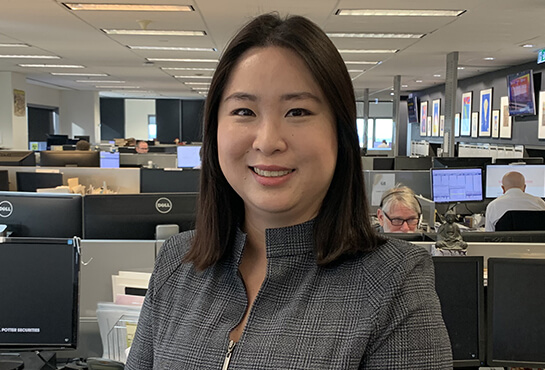
Christine Ip
Training & Implementation Manager
Christine has worked with several online and full service brokers over the last 11 years.

Ryan Davis
Sales & Key Account Manager
Ryan has the responsibility of building relationships with our key clients nationally. Ryan has over a decade of senior sales experience in various global markets. Contact Ryan at: [email protected]
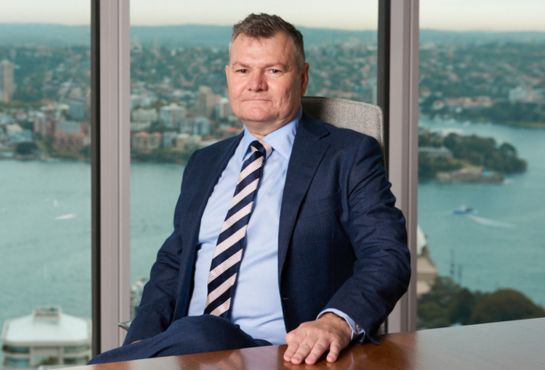
Martyn Johnston
Head of Partnerships
Marty manages the wholesale and institutional partnerships across Third Party clearing, Institutional Direct Market Access, Plug and play trade execution, Margin Lending and Adviser trading. Marty has over 25 years experience in Stockbroking and Banking. Contact Marty at: [email protected]
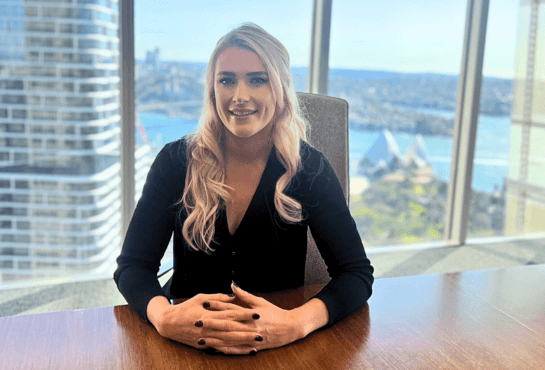
Tina Lucey
Business Development Manager
Tina has the responsibility of building relationships with financial advisers across the Northern Region. She has extensive industry experience, having been an investment adviser herself and having held many roles in private wealth. Contact Tina at: [email protected]

Del Wanigasekera
Business Development Manager
Del joined the team in Melbourne as Business Development Manager covering the states of Victoria, Tasmania, Western Australia and South Australia. Del also has extensive experience most recently at Raven Corporate Management. Contact Del at: [email protected]